Preview
Preset: US Passport 2x2 in (600x600 px)Upload a photo
Easy
Editor
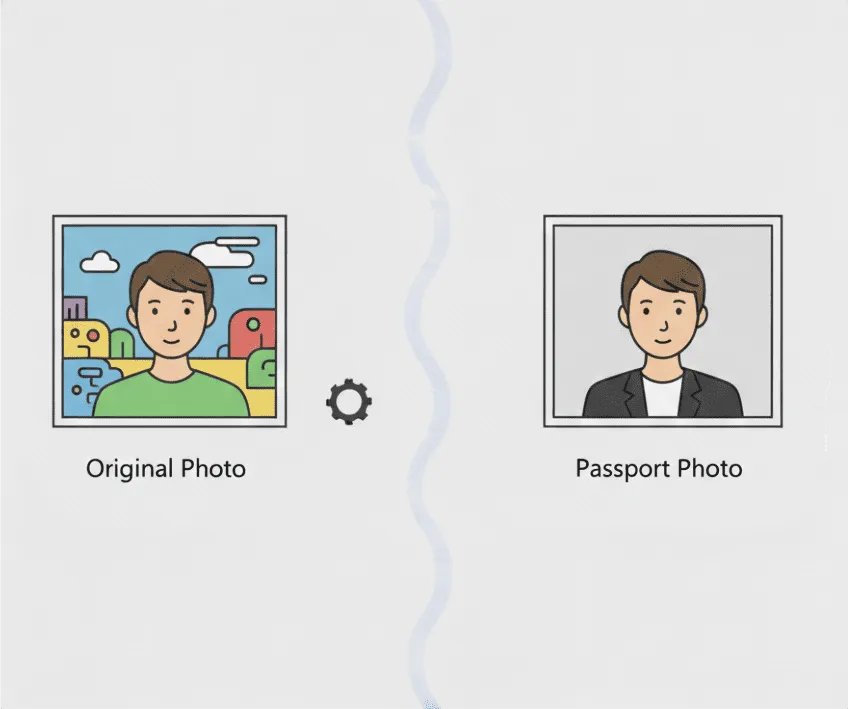
Create passport and visa photos in your browser. Upload a portrait, drag to reposition, zoom in or out, and export in preset sizes for common countries.
Preview
Preset: US Passport 2x2 in (600x600 px)Upload a photo
Answers to common questions
Upload a portrait photo, choose the correct preset, then drag and zoom until your face fits the guide. When it looks right, download the result as a JPEG in the preset dimensions.
Yes. The ID photo maker is completely free for individuals, and it runs thanks to your donations.
No. Your photo stays in your browser for editing and export. It is not uploaded for this tool.
Yes. The exported ID photo is generated on a white background and downloaded as a JPEG.
The tool includes presets for popular passport and visa photo sizes (for example US, Schengen/EU, UK, Canada, India, Australia, New Zealand, China, Japan, South Korea, Singapore, UAE, Russia, and Brazil). You can pick them from the Preset dropdown.
Yes. Currently, 25 MB is the maximum file size our server can handle.