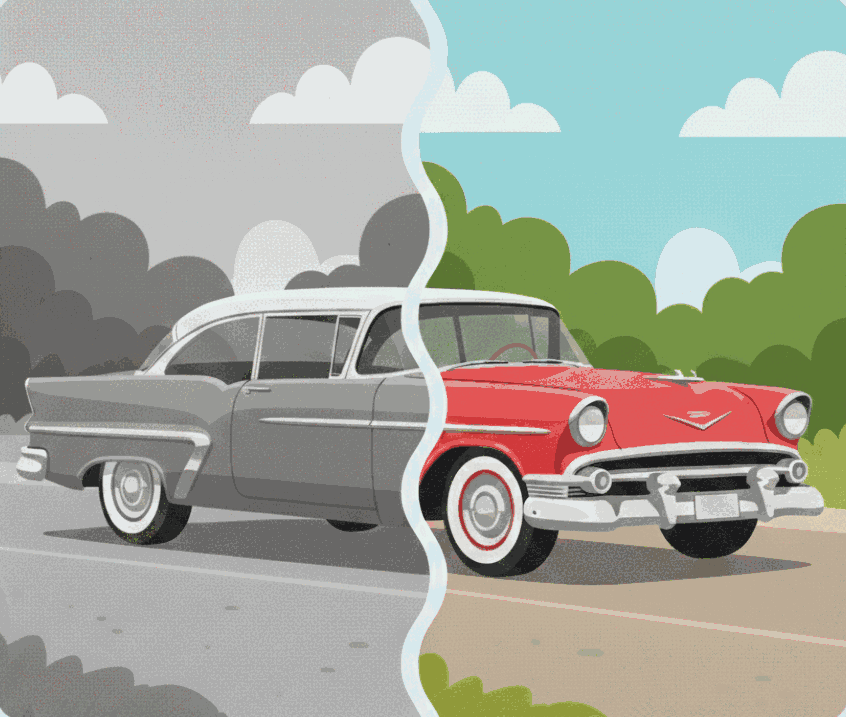
AI Colorization
Restore natural-looking colors to scanned archives and historical portraits.
- Automatic tonal mapping.
- Side-by-side view to compare B&W and colorized versions.
- Download instantly as PNG with one tap.
Easy
Editor
Features
Everything you need for clean, market-ready visuals: background removal, image editor, image to PDF, image converter, image upscaler, image downscaler, favicon generator and photo colorizer.
Need batch processing? Tools marked “API ready” support higher throughput workflows via the API.
Core tools
Every tool is tuned for instant results and polished outputs.
Restore natural-looking colors to scanned archives and historical portraits.
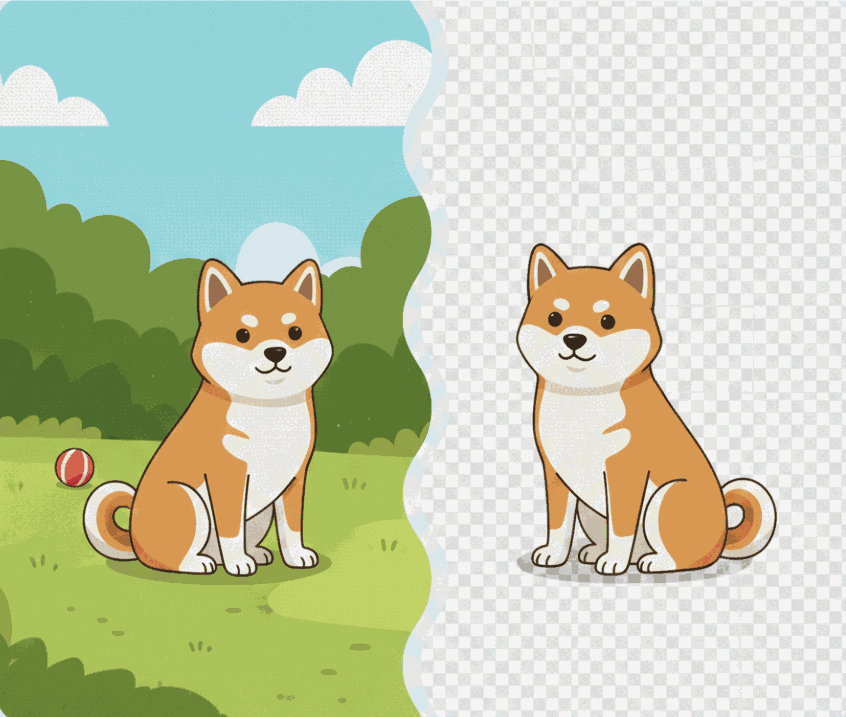
Comfy cutouts for marketplace listings, brand decks, and documentation.
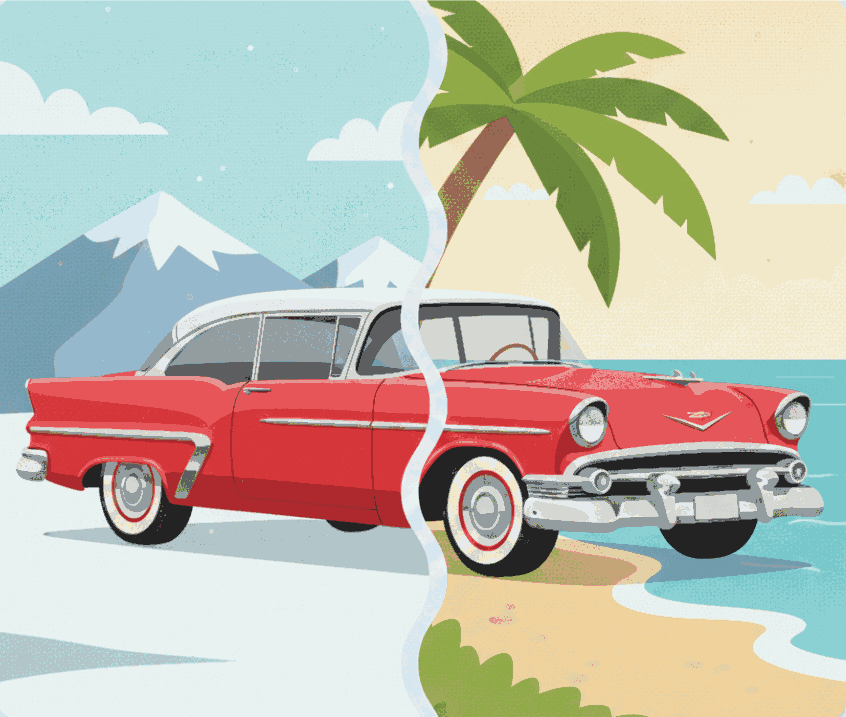
Swap any scene while keeping the subject crisp and realistic.
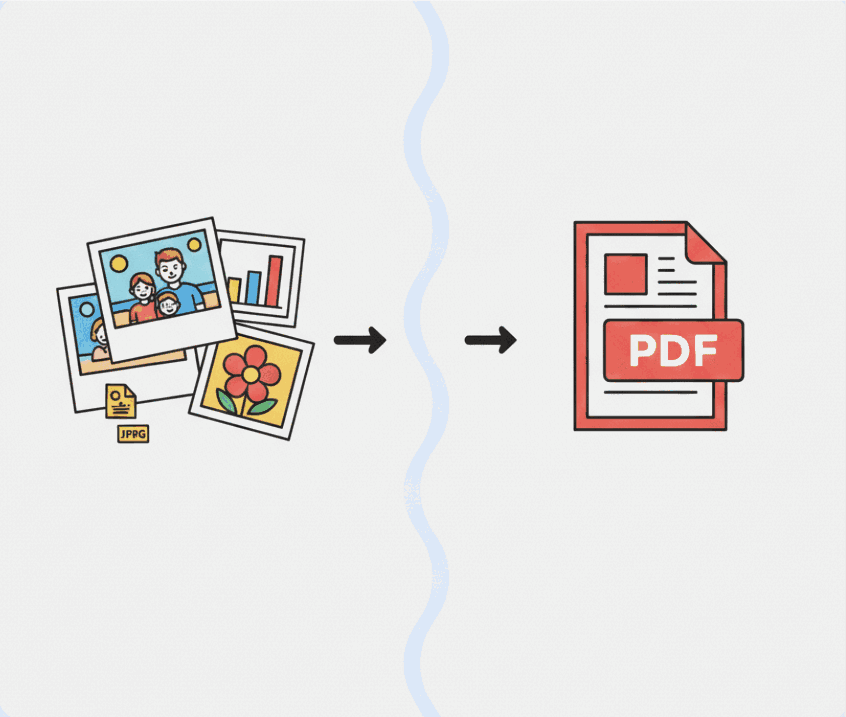
Batch product shots, scans, or campaign slides into a single PDF.
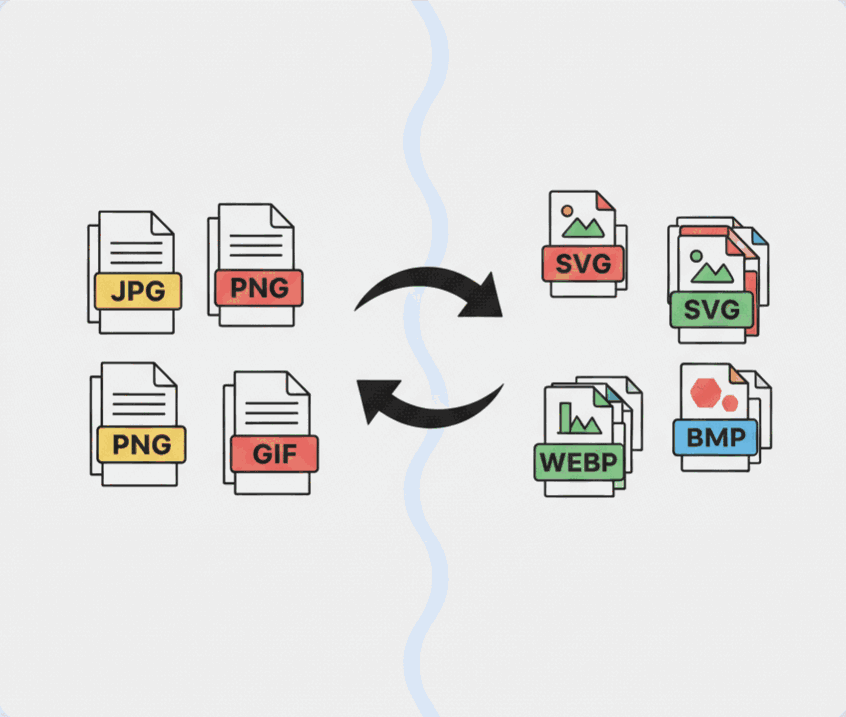
Export a single image to the format your project needs.
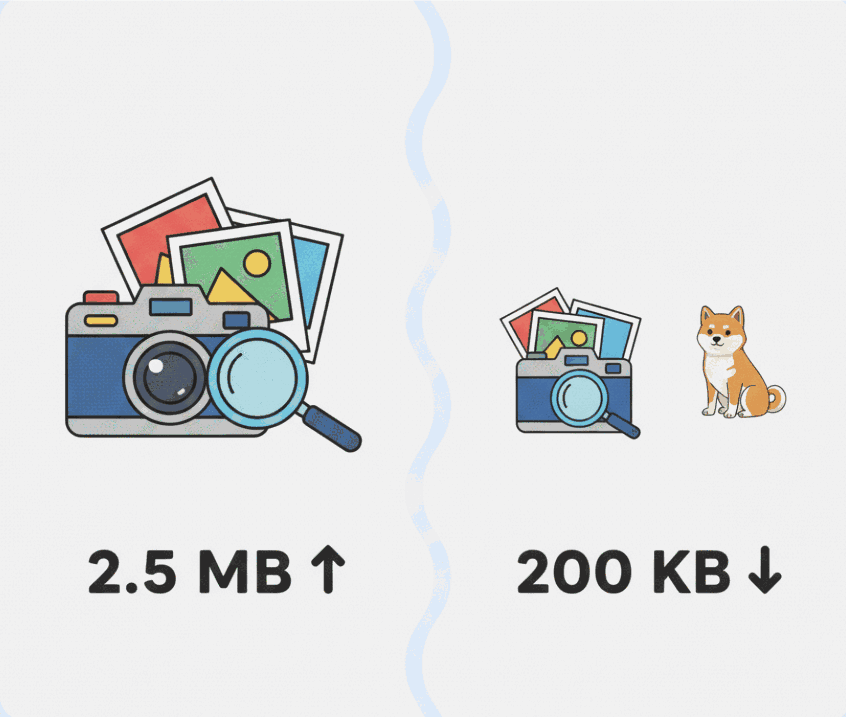
Reduce file sizes quickly while keeping your images crisp.
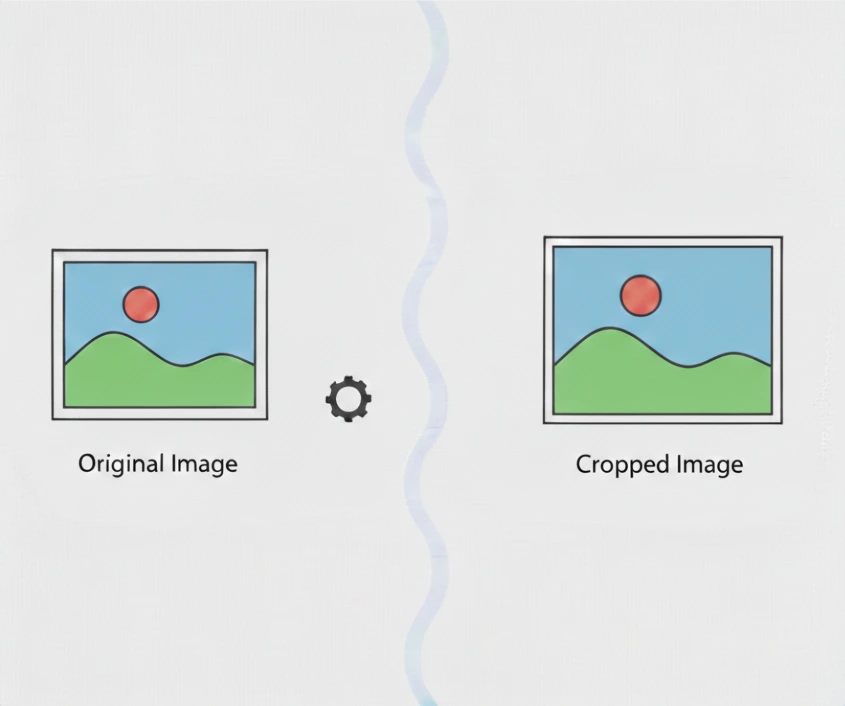
Trim visuals precisely for listings, ads, and social placements.
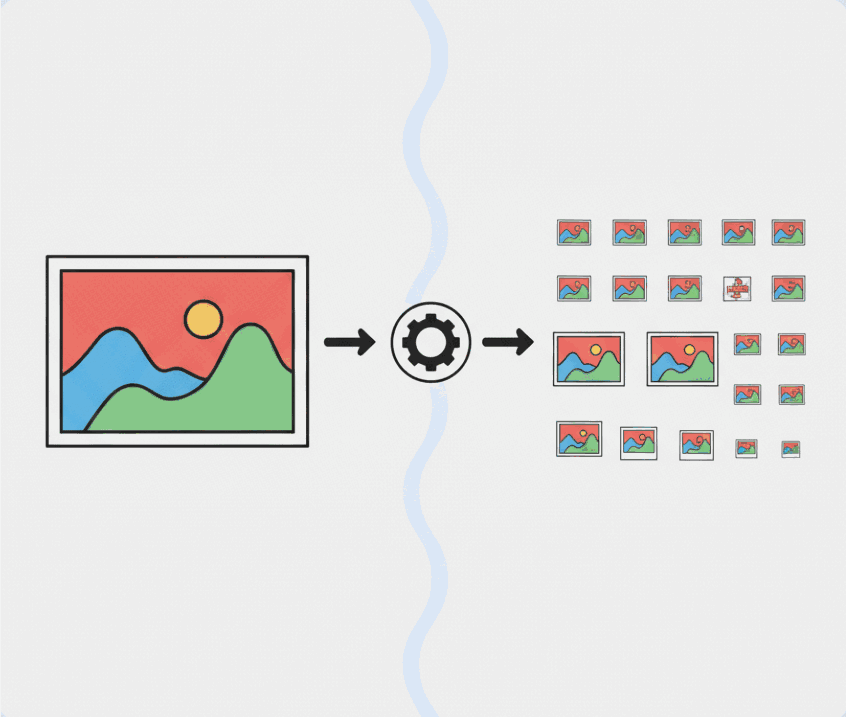
Turn a single image into every favicon asset your site needs.
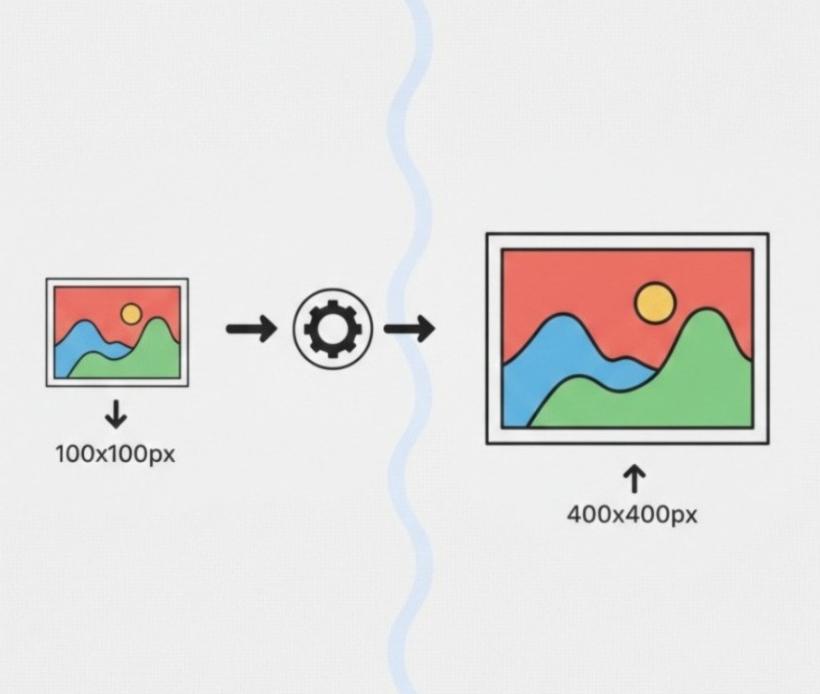
Enhance low-resolution photos with crisp detail at 2x or 4x scale.
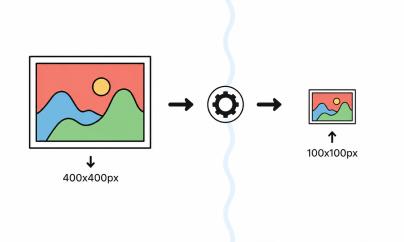
Reduce oversized images to cleaner dimensions by 2x or 4x.
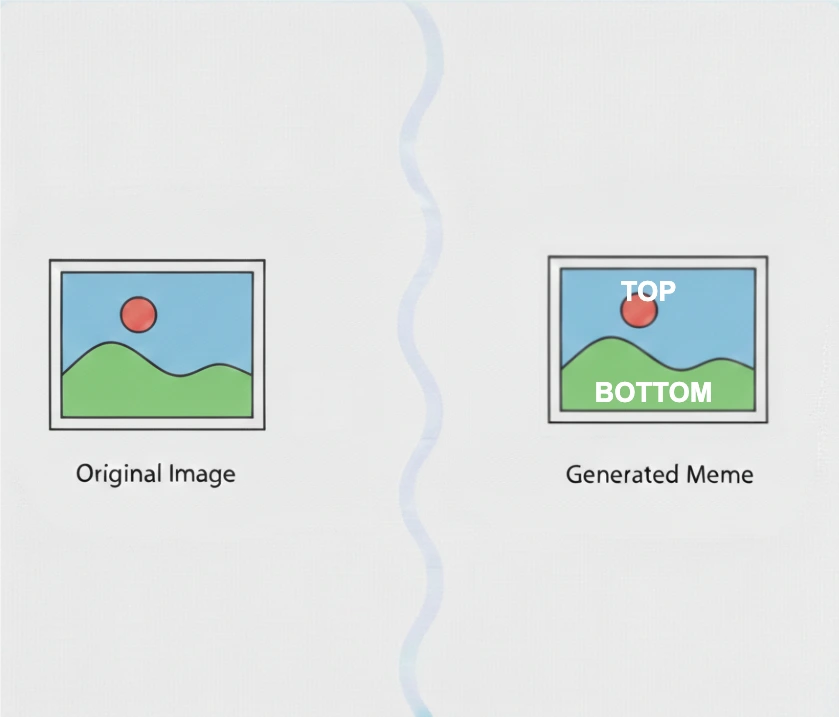
Create classic top-and-bottom memes directly in your browser.
Protect your work with custom watermarks
Everything you need for touch-ups, resizing, and exporting production-ready images.